 By Hora Times
Motorola has begun rolling out Android 17 to a growing list of its smartphones. The update brings practical home-screen, notification, and display improvements, while Motorola has confirmed 29 devices across its Edge, Razr, and Moto G lineups for the upgrade.
What Android 17 Adds
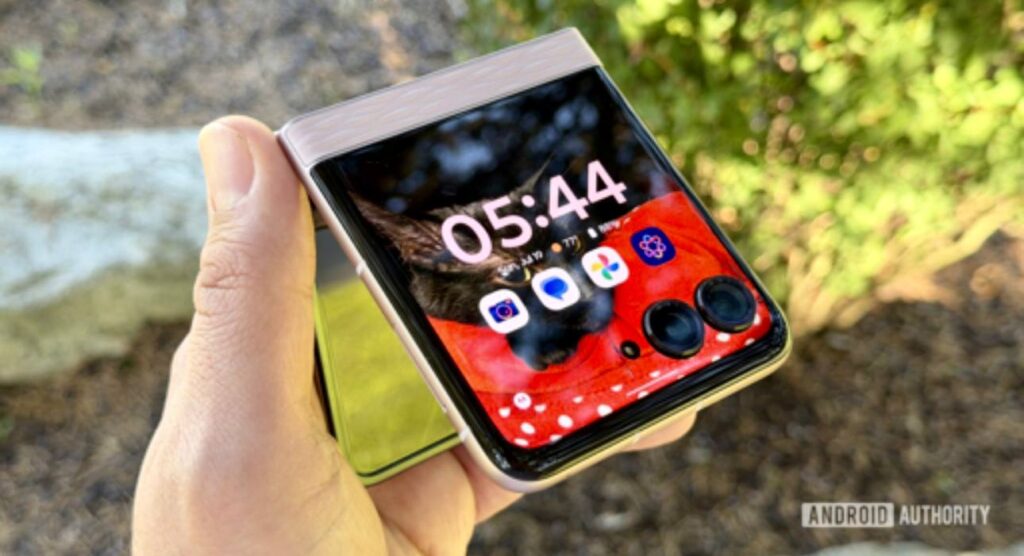
The headline change is stackable widgets. Instead of placing separate widgets for weather, calendar, battery, and music on the home screen, users can combine them into one stack and swipe between them.
Other notable additions include:
• Themed icons: Icons can match the phone’s overall theme for a more consistent home-screen look.
• Cleaner Quick Settings: In Classic mode, users can hide tile labels to reclaim screen space.
• Live Updates: Ongoing activities—such as deliveries, navigation, or media playback—can appear as a single continuously updating notification instead of a stream of separate alerts.
• HDR brightness control: Users can reduce or disable Enhanced HDR brightness for more comfortable viewing of HDR photos and videos.
• Security and stability: Motorola says the update also improves protection against malware, phishing, and data breaches, alongside performance, compatibility, and bug-fix improvements.
Which Motorola Phones Are Getting It
Motorola has confirmed that nine devices are already receiving the stable Android 17 update, with 20 more expected over the coming months.
| Status | Devices |
| Already receiving Android 17 | Motorola Signature, Edge 70, Edge 70 Fusion, Edge 70 Fusion+, Edge 60 Pro, Razr 70 Ultra, Razr 50 Ultra, Razr Fold, and Moto G86. |
| Confirmed for a later rollout | Edge 70 Pro, Edge 60, Edge 60 Neo, Edge 60 Fusion, Edge 50 Neo, Edge 50 Fusion, Edge 50 Pro, and Edge 50 Ultra; Razr 70, Razr 60, Razr 60 Ultra, and Razr 50; Moto G77, G75, G67, G57, G56, G47, G37, and Moto G Max. |
Rollout Timing
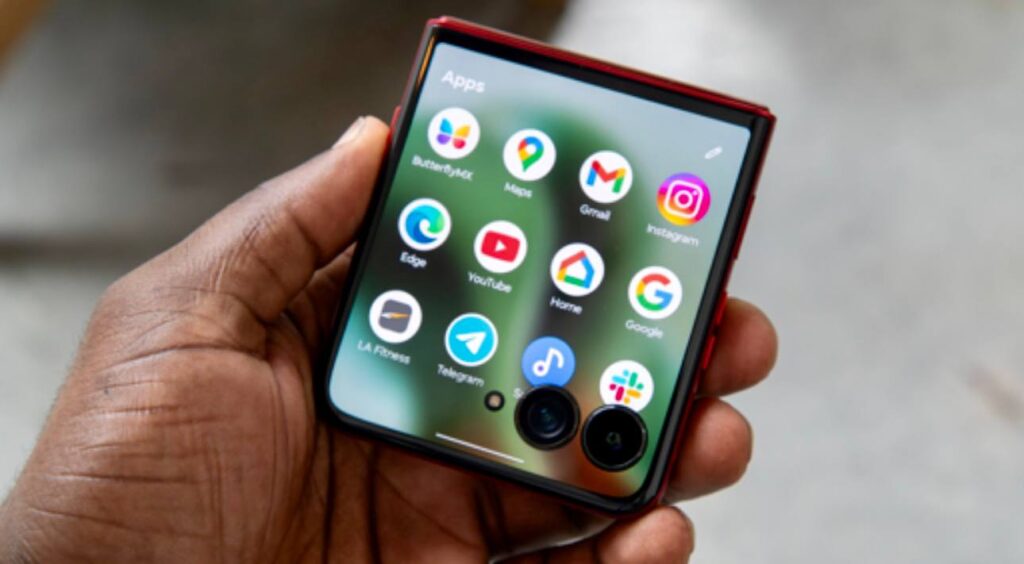
Motorola began its Android 17 upgrade program on October 21, 2026, but it has not published a model-by-model release schedule. Availability can therefore differ by region, carrier, and device variant—even for phones on the official eligibility list.
How to Check for the Update
• Open Settings
• Tap System
• Select System updates
• Tap Check for updates
• If Android 17 appears, connect to Wi-Fi, ensure the battery has enough charge, and install it
Should You Update?
For most eligible Motorola owners, yes. Android 17 is more than a cosmetic refresh: it adds useful home-screen flexibility, reduces notification clutter, improves HDR control, and delivers ongoing security and app-compatibility benefits.
The main caveat is timing. If your phone is on the “coming months” list, the update may not appear immediately, so checking Settings periodically is the best approach.